I second this. I need to try guix, nixos has been my daily driver for years now.


I second this. I need to try guix, nixos has been my daily driver for years now.
Try using alsamixer, check for channels that are muted.
Also check if your distro is saving and restoring alsa settings every boot and remove the settings file


Grub should be able to boot mint fine, just know where grub is installed and which disk boots the system before formatting anything. To test, unplug the windows disk and see what happens


Hopefully this isn’t a common problem, but I was running auto bed leveling manually, the getting failed prints because I didn’t save the levelling results to the printer and I didn’t have gcode to load the levelling data and enable it in my slicer settings.
Maybe something similar is happening to you.
You can also try disabling auto leveling and level manually, that was giving me better prints for a while but it’s a pain.


I think xvnc does this with vnc. If using gnome start gnome-remote-desktop with systemctl --user start gnome-remote-desktop then use grdctl to set it up (or the settings gui). I’ve had luck with rdp on a Wayland session this way.
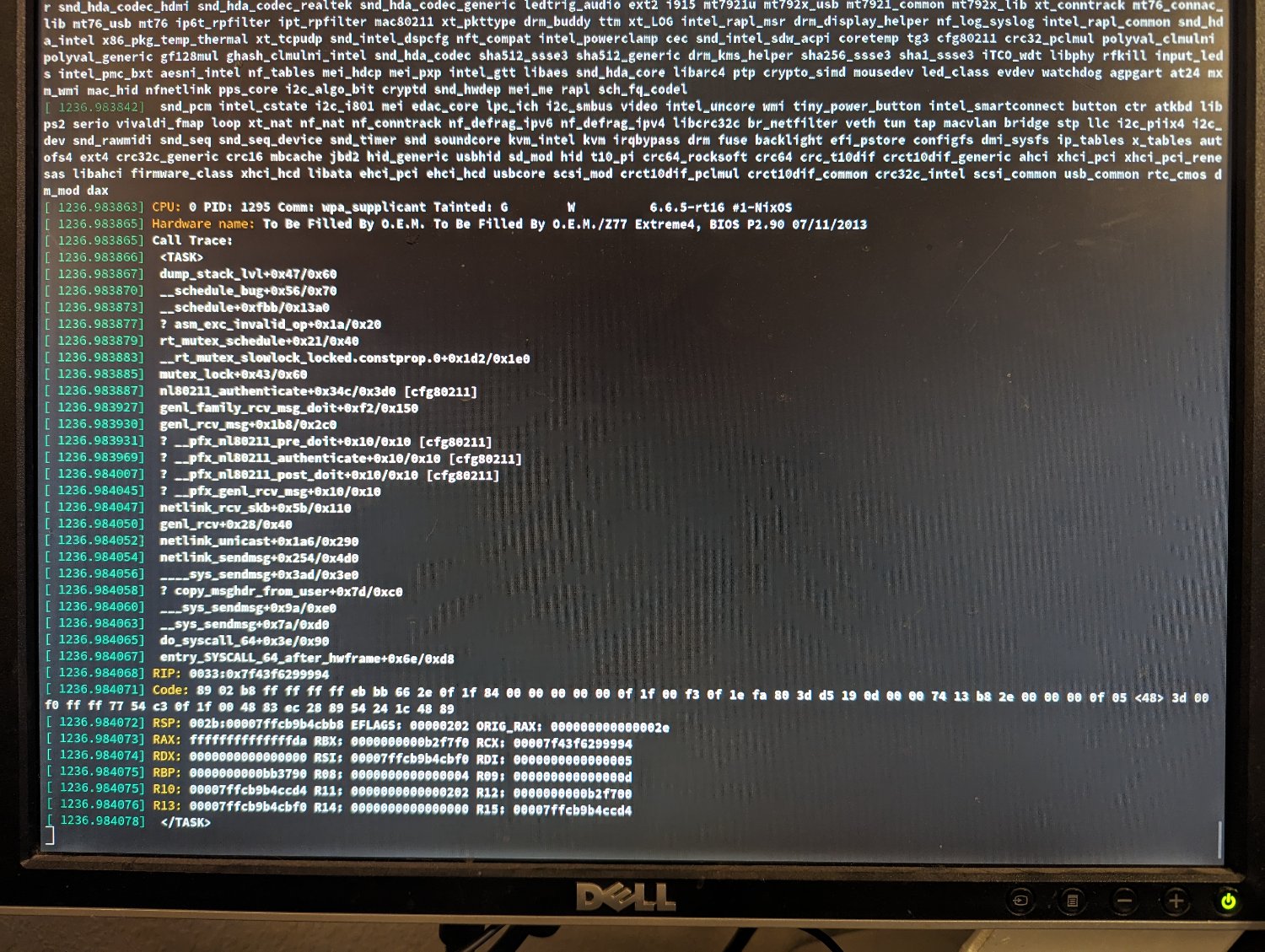
Also, what do you mean by crashes? Kernel panic? Random app death because the oom killer was activated should be expected when pushing the memory limits on Linux.
I’m running 8 and 32 in my T490, seems to work fine. I’m building software and leaking memory like crazy and it’s never been weird. I don’t see why 8 + 32 would be any different than 8 + 16 other than capacity.
Doesn’t the channel balance not matter that much? Like operations can be done in parallel. I always thought the benefits came from reading different things from each ram chip not synchronizing them byte for byte.
Check your disk usage with df -h
When my machine gets weird it’s always out of disk space.
Yes. Gentoo is always a good idea :)


Let’s see how this goes then revisit the question.


Not a mistake, I’ve got an ender 3 and a cr10. Both are fine, keep your expectations realistic and calibrate each axis, especially the extruders. Use PLA, consider getting a new build plate if your prints won’t stick. I recommend flashing firmware on the ender 3 unless you know what was loaded onto it last, doesn’t have to be fancy firmware just something you know for sure is configured for your printer. A cr10 should probably get firmware as well but I never loaded new firmware on mine and the controller is older so I’m not sure if it’s a good idea.
Don’t forget the cost of filament, if you print a lot you may spend more on filament in a year that your printer budget.
Totally possible.
I recommend making room on your drive using windows tools to shrink the windows partition before letting your Linux installer add new ones, or doing it manually. This is just so that no weird filesystem bugs show up after resizing your ntfs filesystem with Linux tools. Never had a problem with them but it’s probably good to use Microsoft tools to mess with the Microsoft filesystem just in case.
Maybe watch your system logs on the server when it’s having trouble, could be something random.
Mostly just try Linux on it 😹 Don’t install it just run from a flash drive or something


I feel mislead, none of the apps actually run on Linux.


Since 6.12 the Preempt rt patcheshave become canon.
As for older kernels, there’s a thread Here but idk what the current situation is


What level of involvement are you looking for in setting up the host os?
I’m a NixOS fan because once you painstakingly get the configuration file set up you basically never need to do it again. If you don’t need anything outside of nixpkgs it’s easy, otherwise it’s terrible. Docker is available in nixpkgs.
On connectbot for Android I really appreciate the feature that saves port forwarding settings for each connection. If you can add that and the option to start forwarding on connect that would be great.
Also it would be nice to be able to specify a custom command to run instead of the user’s shell.
Yes, you’ll be fine